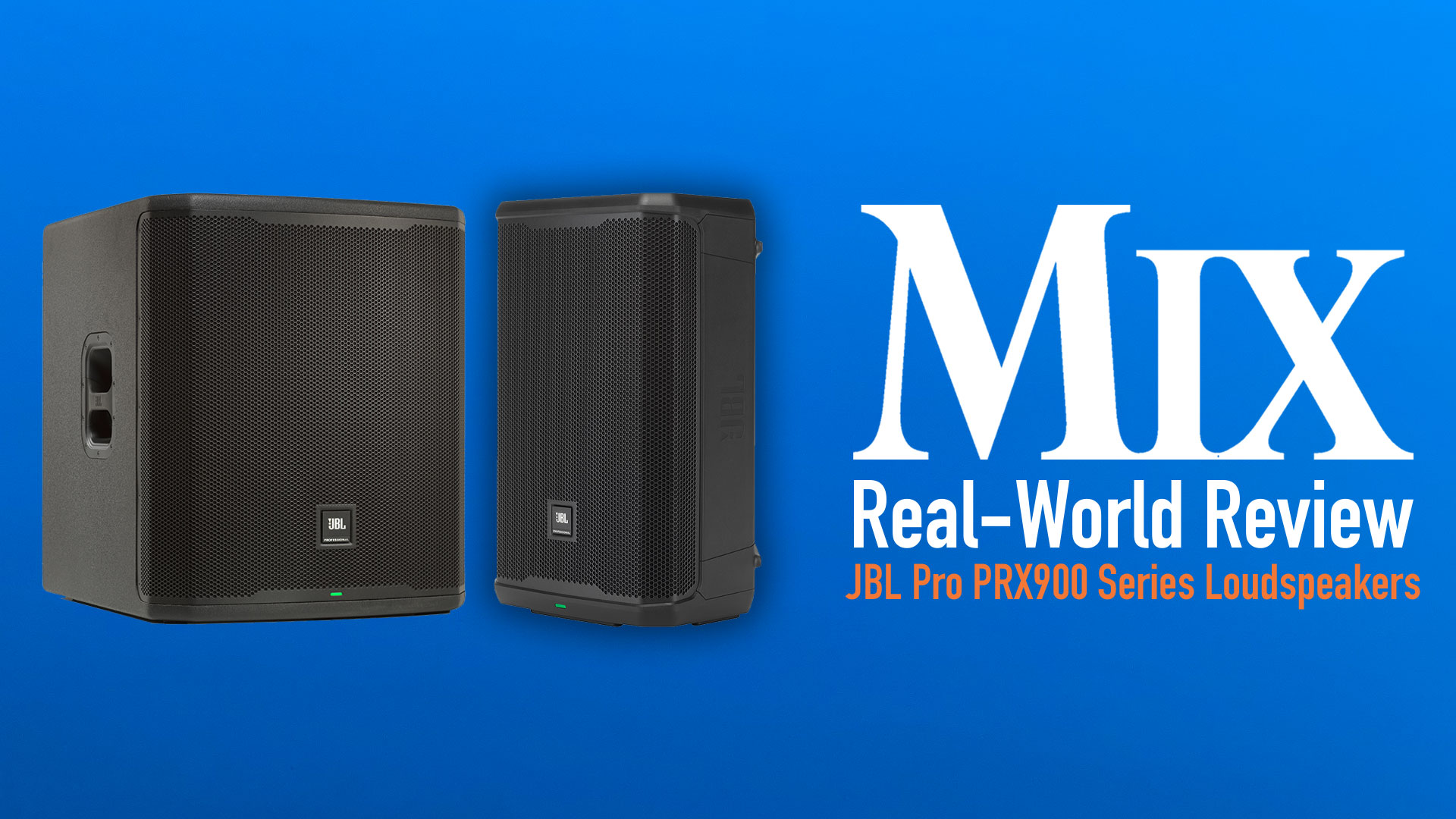
| MIX VERDICT: JBL PRX900 SERIES LOUDSPEAKERS |
| THE TAKEAWAY: “Gripes with the app and documentation notwithstanding, the system is easy to configure, even for those who aren’t familiar with the subtleties of setting up crossovers.” |
| COMPANY: JBL Professional • www.jblpro.com PRICE: $1,436.00 (PRX912); $1,936.00 (PRX918XLF) PROS: • Excellent, balanced, full-range sound. • Easy to set up. • Robust construction. CONS: • Documentation and Pro Connect leave something to be desired. |
SYSTEM MANAGEMENT
The PRX912 rear-panel encoders provide access to a laundry list of settings using the typical scroll-and-push UI, including system gain, mic gain, volume, dbx DriveRack settings for Automatic Feedback Suppression and limiter, and G Sensor (auto, main or monitor). As I expected, AFS worked very well at locating and eliminating offending feedback, and the dbx OverEasy compressor also worked as expected. AFS is not included in the subwoofer and really doesn’t need to be because you’ll never use a subwoofer without a full-range cab, and the PRX912’s AFS will respond to any low-frequency feedback issues.
The PRX918XLF does not allow user access to the internal limiter, probably to ensure that someone doesn’t blow up the subwoofer by turning it off! Changing the input level on a PRX912 input changes the Mix Out Level; if the Mix Out is set to “Post,” subwoofer level will follow.
All PRX Series loudspeakers, as well as JBL EON700, EON One MK2, EON One Compact and PRX One, are compatible with the free JBL Pro Connect Bluetooth LE app. I used it on my iPhone and iPad to control hardware settings as well as onboard DSP, which beats the daylights out of craning your neck to see the LCD on the full-range cab, or crawling on the floor to view the LCD on the PRX918XLF. I occasionally had problems pairing speakers with the app, which is no surprise given similar issues I’ve had with just about any BT device/app.
I found some aspects of the app’s UI puzzling. Accessing the PRX912 limiter, for example, requires tapping on EQ and scrolling down past the Output EQ settings—which is not where I’d expect to find the limiter. Speakers can be grouped in the app, but the Group function applies only to volume and mute. If you change any parameter of a speaker that’s in a Group, the change is not applied to other speakers in the Group. So, if you want to do something as simple as touching up the EQ on both PRX912s, you’ll either have to do it twice, or save a Preset and then recall the Preset to the second speaker. JBL should add a “pair” option in the app to avoid this.
The app allows you to save presets for any speaker in the system. If it’s a fullrange speaker, the preset stores input gain for all three channels, Mix Out, EQ, delay and AFS settings. Presets for the subwoofers store EQ, delay and polarity. When a preset is recalled, speaker volume defaults to -100 dB to prevent any accidents, which is a good idea. Unfortunately, you cannot save a snapshot of the entire system setup, and there’s no indication of what preset is currently loaded. There’s a slight lag between changing parameters in the app, with the audibility of those changes heard through the P.A. system. It would also be nice if the front-panel LEDs could blink in acknowledgment of a BT message.
SOUND
Out of the box using the factory presets, the PRX P.A. sounded great. Audio was balanced without need to fuss with crossover settings or level adjustments. Bottom-end extension was very good, with plenty of “whump” when needed. The system never sounded hyped, and the midrange sounded clear and natural.
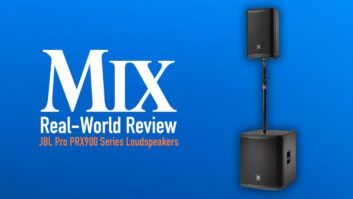
I liked the way drums sounded through the PRX system, reminding me of the timbre I expect from a large-format P.A. system, only not as loud. At their lowest position, the pole mounts for the PRX912s placed the HF horn just above my head, which is a good thing for situations where you don’t want people blocking HF dispersion but could present an issue when hoisting the PRX912 atop the PRX918XLF in venues with low ceilings. A PRX900 P.A. may not fill Madison Square Garden with earth-shattering sound, but it certainly can shake the ceiling of a 150-cap club.
My gripes come mostly with the documentation, or lack thereof. The User Guide shows a connection diagram for the full-range models but doesn’t show how to connect the subs, nor do the Quickstart guides. The UG refers to the “SSM Table” for an explanation of the signal/clip LEDs, but what is SSM and where is this table?
There’s no guide to the functions of the front-panel LED, though I’m pretty sure that it flashes red to indicate clipping (!). The app has a tab for TWS (True Wireless Stereo), but there’s no explanation of what it is or how it works (I did find a video from JBL on YouTube explaining how it is used with EON700s). The PRX918XLF has a preset for cardioid, but you won’t find any info on how to create a cardioid subwoofer array. Grrrr.
Discover more great reviews—get a free Mix SmartBrief subscription!
Still, the combination of the JBL PRX912 and PRX918XLF proved to be an excellent match, delivering full-range sound with clarity and plenty of volume when needed. It’s easily a no-brainer for bands and DJs working small clubs or weddings, and rental houses will find that the components could be used for small P.A., side-fill and drum fill applications. Plus, the PRX912s can function on their own as excellent wedge monitors.
Gripes with the app and documentation notwithstanding, the system is easy to configure, even for those who aren’t familiar with the subtleties of setting up crossovers. As I expected, JBL has done a fine job!