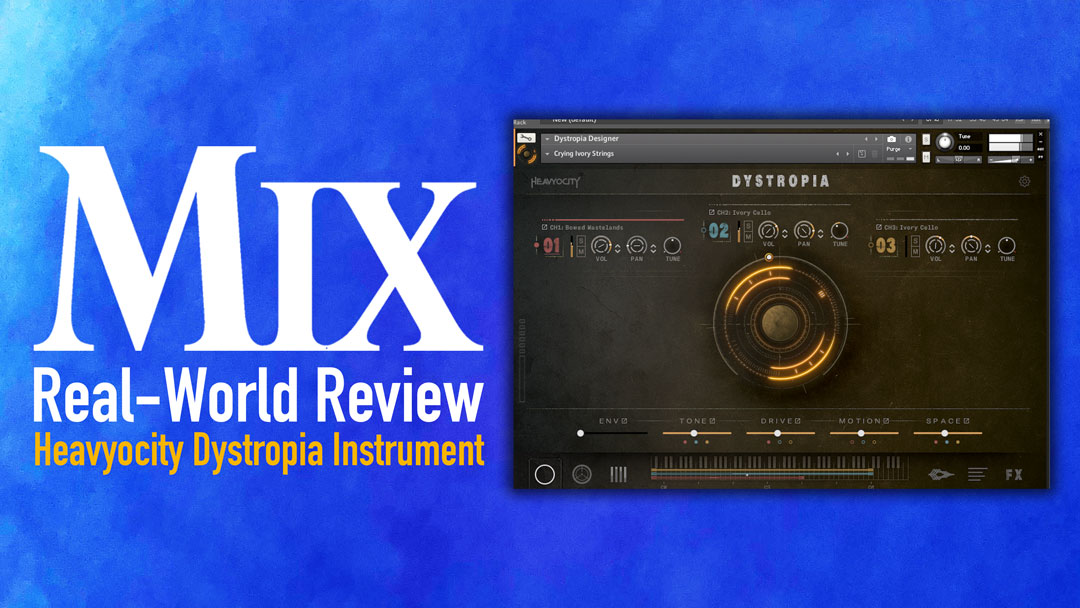
| MIX VERDICT: HEAVYOCITY DYSTROPIA |
| THE TAKEAWAY: “From gritty, edgy pulses to ambient sound design atmospheres, stings and pads, this thing is a creativity monster.” |
| COMPANY: Heavyocity • www.Heavyocity.com PRICE: $149 PROS: • Twisted, real-time creative expression. • Inspirational Cue Creators menu. • Extensive collections of sound design elements. CONS: • Many, many functions to learn. |
New York, NY (February 25, 2026)—When a software company advertises its newest release as “Desolate and Disturbing,” with an official tagline that says you’re stepping into a “post-apocalyptic landscape and unsettling world,” well, I just have to try it. In plainspeak, Dystropia is an instrument that explores the eerie, mystical and moody side of sound, built from a wide variety of analog sources and the team’s creative processing techniques.
Sometimes, certain software instruments step out of the ordinary but then are limited in their usefulness. That is definitely not the case here. I’m not going to review every detail, but I will talk about how this thing works in actual sessions and why I now use it all the time.
Just a few quick facts: Powered by Kontakt 7.10.9 or higher, it ships with nearly 400 presets from hundreds of sound sources, along with a series of crafted scoring tools. It includes more than 200 sonic events, including risers, downers, stings, swells and reverses for transitions and dramatic moments. Each Menu preset gives you access to 36 different sound sources that you can swap in and out on the fly.
At its core, Dystropia is built from analog synths, field recordings and organic sources that have been processed through experimental techniques to create something that feels both broken and beautiful. It’s not just a preset library—it’s a complete sound design ecosystem housed in Heavyocity’s most powerful engine to date, giving you the flexibility to shape and twist these sounds into something entirely your own.
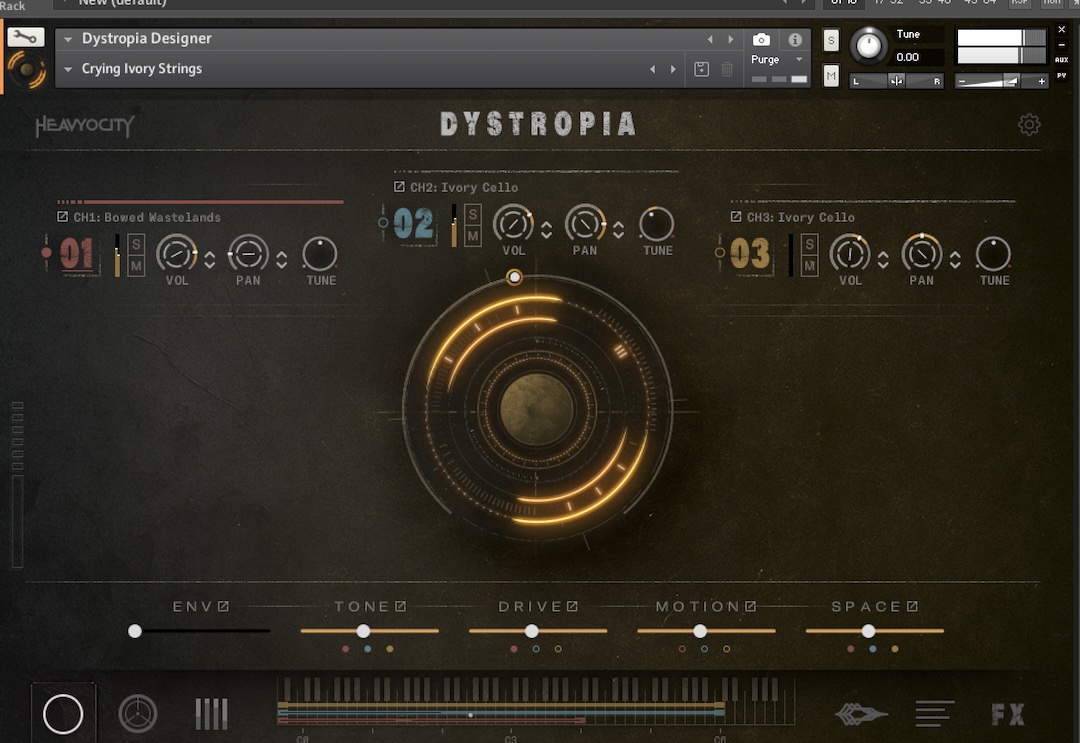
To get you started, Heavyocity wisely includes a drop-down menu called Cue Creators, which combines a variety of source types and snapshots into a single preset. True story: When I first went in to check this plug-in out, I couldn’t get more than two presets in before I had to write a cue with it— immediately! I happened to be working on a show that needed dramatic beds that were sparse, and Wow! It worked. That’s when I knew this was my kind of instrument. Let’s just say that menu is called Cue Creators for a reason.
Next, you can check out the Pedals, Alarms and Rhythms, which combine elements of sound design with motion, rhythm and darkness. Then there’s the Pads section, which houses some of the most evocative and emotional textures in the entire library—these are the kinds of sounds that immediately set a mood. Rounding out the collection are Hits, Risers, Downers, Stings, Swells and Reverses, all of them sonic events that are perfect for transitions and punctuating key moments in a composition.
From there, Dystopia offers tonal and atonal pads, textures and scapes, and an Events menu with downers, risers, reverses, etc. I’m glad they include the Expand key, which lets you place the sound across your keyboard in the correct pitch when you find a tonal sound you like.
One of the coolest things about Dystropia is how fast you can get different sounds happening. The main page lets you load up three sound sources at once, and you can instantly swap them in and out to create new combinations. Sometimes I’ll take a source out, lower its volume or tuning, filter it or just add a gated rhythm. It’s not like you’re stuck with one preset—you have 36 sources at your fingertips in each Menu preset, so you can quickly audition different textures and layers without diving into deep menus.
• Austrian Audio CC8-SC Super-Cardioid Mic – A Mix Real-World Review
Want to replace that eerie pad with a fractured pulse? Just hit the expand button on any source slot and you’re immediately browsing a whole new range of sounds. This kind of flexibility means you’re never locked into one sonic direction, something I really dig. You can mix and match industrial remnants with signature alarms, or layer haunting textures over rhythmic elements and distortion, all on the fly. It’s a workflow that keeps me moving forward instead of getting bogged down in endless searching.
Sometimes when using certain plug-ins, not knowing exactly how something works spurs on creativity. In this case, opening the Macro Sequence page unveils a sonic world that I found fascinating. I had this really cool patch going, and by activating the macro sequence function, it started this crazy, fun syncopated sound—I had no idea what was happening, but damn, it was cool! I literally just applied the sync function to lock it to my Pro Tools session and started twisting and turning knobs and sliders. It was like a rhythmic sound design world that there’s no way I could have created without random twisting. It was also a reminder to myself to sometimes let things be loose and free and not learn every function. Just let the sound go somewhere unique.
Discover more great stories—get a free Mix SmartBrief subscription!
Tension is Dystropia’s middle name. From gritty, edgy pulses to ambient sound design atmospheres, stings and pads, this thing is a creativity monster. It offers plenty of sonic options to make these sounds your own, and there are many twisted paths to take in order to keep your tracks unique and interesting. To me, it’s not just another software instrument; it’s a release that takes you somewhere very different.