New York, NY (October 2, 2026)—Touring engineer Gryphon Graham has introduced Load-In, which can build a stage plot and labeled stage input list from a variety of sources and then export the results as a native file for numerous consoles, including different Avid, Allen & Heath, DiGiCo, Behringer/Midas and Yamaha models.
Available as an iOS app or on a browser, the software can ingest information from a variety of sources—a rider, typed or photographed list, spreadsheet and more—and then use it to produce the desk’s own native file, a PDF input list, printable labels and a stage plot.
• Discover more pro audio news—get a free Mix SmartBrief subscription!
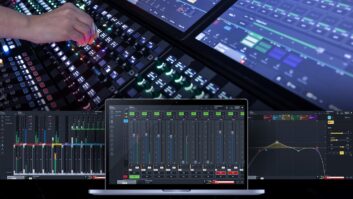
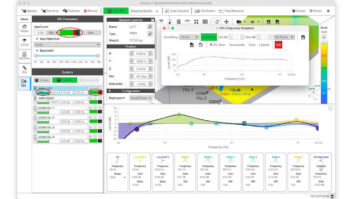
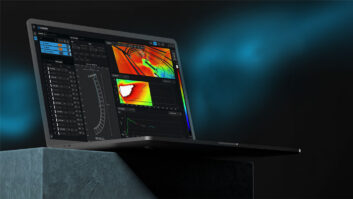
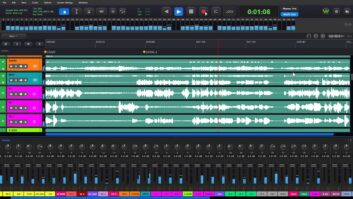
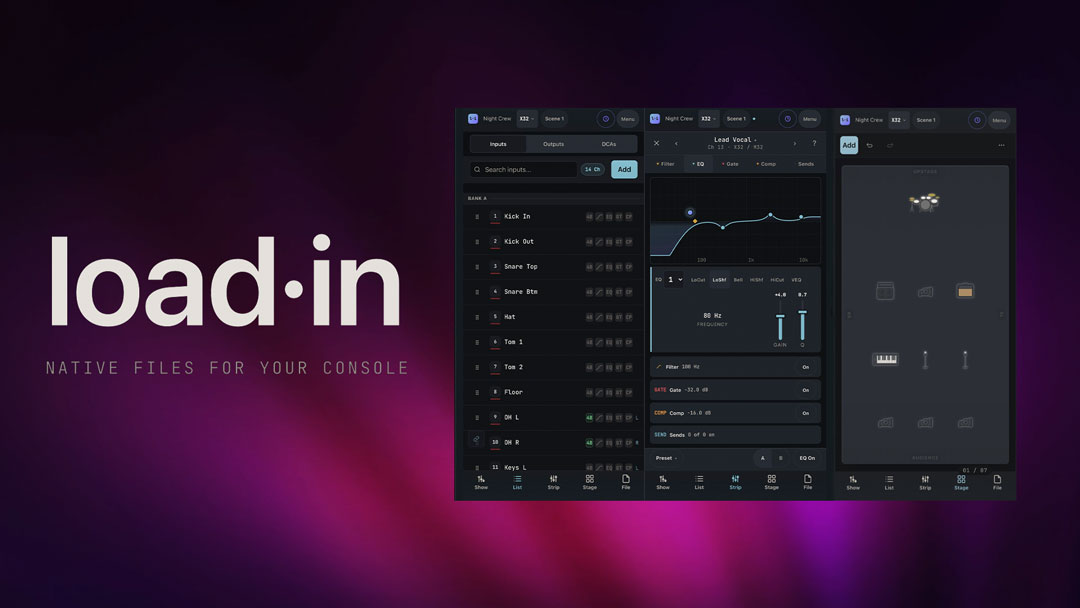
The software uses five different tabs—Show, List, Strip, Stage and File—and a change made in one area appears across all of them. Show draws the intended console; List shows the full input list built from the stage plot; Strip opens a channel’s filter, EQ, Gate and Comp workspace; and Stage is a drag-and-drop stage plot for creating a stage drawing.
Using the software is pretty direct—drop a drum kit on the stage plot and 10 labeled channels appear; drop a playback rig and they are all named. Pick a desk, export, and the names are already on the strips.
• Focusrite ISA C8X — A Mix Real-World Review
The export preview states exactly what the selected workflow writes, preserves and leaves out. Exported files hand off through the device’s own share sheet, so a file can be sent to a desk or a laptop via AirDrop. The software currently supports exporting to a variety of desks; check the Graham’s goforshow.io website for specific models.
A free version of Load-In is available, allowing to three saved plots (submitting an email in the app unlocks unlimited free plots), native X32/M32 console files, CSV export and PDF/PNG with a small watermark. The $59 “Pro” edition adds unlimited plots, clean PDF/PNG, more console workflows and DAW templates.