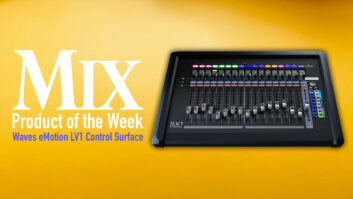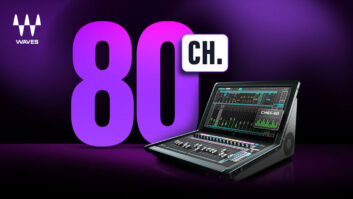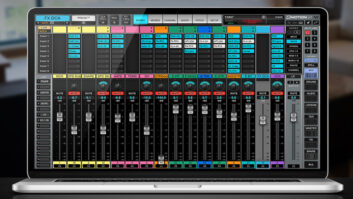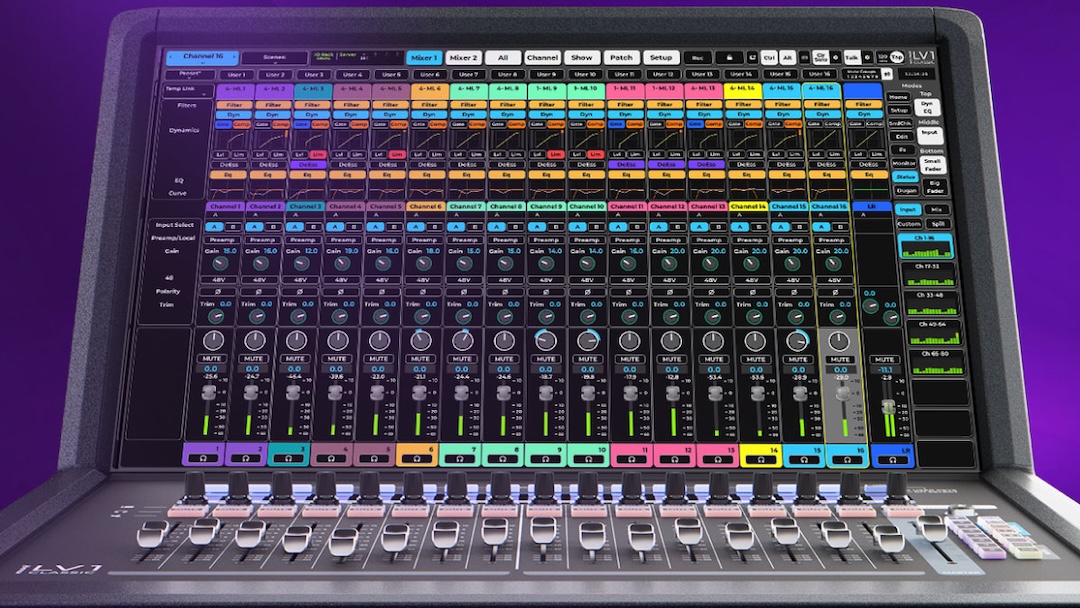
Knoxville, TN (September 3, 2026)—Waves Audio has released the latest update of eMotion LV1 for its digital live mixing platform. Version 17 introduces a streamlined user interface, new mixer layouts, further tactile control and a variety of workflow enhancements. The update can be used with all LV1 mixers including the LV1 Classic mixing console.
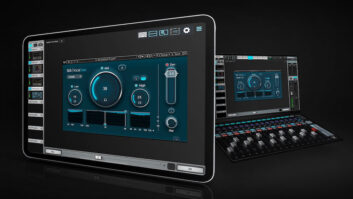
LV1 v17 sports a new, streamlined graphical interface with new layouts, sharper high-resolution graphics, and an updated color-coding system intended to make critical information easier to spot.
• Discover more pro audio news—get a free Mix SmartBrief subscription!
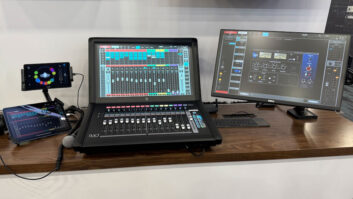
The update also includes more flexible mixer layouts, such as a triple-bay mixer view that provides more detailed information and control options per channel; users get info on Dyn/EQ, aux sends, routing, processing and more all at the same time. Futher, engineers can customize the contents and order of each row and then save layouts as presets. The new interface also includes Expanded Channel Focus views, improved status indicators, and new visual indicators for functions such as Recall Safe, Dugan and IEM status.
Crucially, the new layout clearly separates between the Input section on the left, the Mix Bus section on the right, and the DCA + Master section at the bottom, providing a clearer overview of the console; meanwhile, new operational modes allow users to choose between complete fader control or meter-only monitoring.
Engineers can also Flip linked channels to view auxiliary sends and monitor channel linking and recording status directly from the workspace. Additionally, end users can choose between two work modes: Fader mode for full fader control from the ALL window, vs. Meter-only mode for safety.
• John McMahon Named Meyer Sound COO
New with v17 is Channel Edit mode, which expands tactile console operation. When activated, rotary encoders automatically map to the selected channel’s equalization, filters, dynamics and auxiliary sends, allowing engineers to make adjustments without changing windows or interrupting their workflow.
Other updates available with v17 include a reorganized Top Bar providing immediate access to User Keys, Mute Groups and the ALL window while logically grouping system status, navigation and action controls. Included Waves processing tools have also been updated, with eMo Q4 and F6 Dynamic EQ now supporting pinch gestures for Q adjustment, eMo Q4 adding an integrated real-time analyzer, and the included GEQ plug-in offering automatic console fader mapping.
The new v17 release also paves the way for Waves’ upcoming Tracks Live 2.0 – a completely redesigned multitrack recording application that will extend the LV1 mixer workflow beyond the live show.